

Auto-Save
Every edit you make in the editor is saved automatically. Changes persist within 500ms of your last keystroke — there is no save button and no risk of losing work. Close the tab, switch to another tool, or shut down your browser. When you return, everything is exactly as you left it. All saved cover letters are accessible from the dashboard atcover.nxtjob.ai/all.
Previewing a Cover Letter
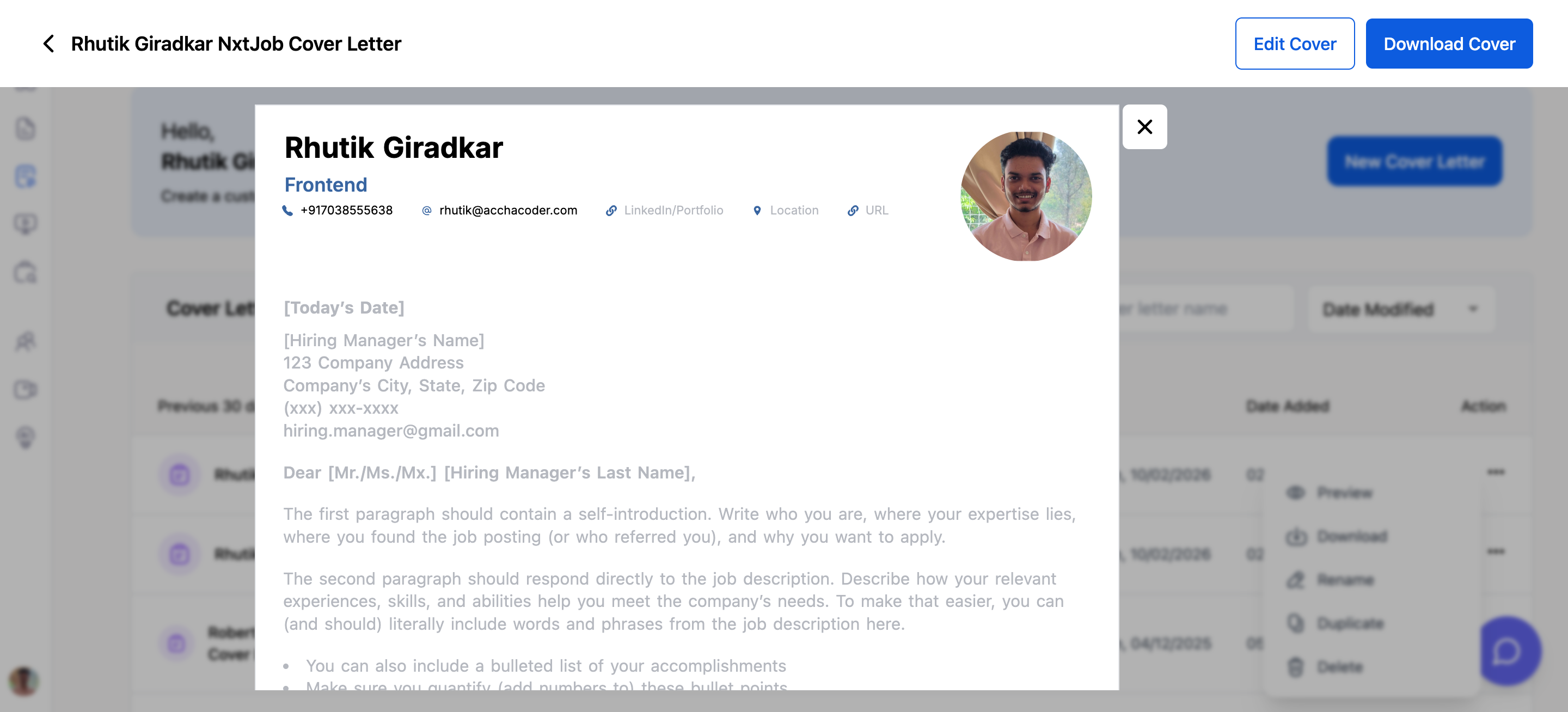
To preview how your cover letter will look when printed or downloaded:- Go to the dashboard
- Click the three-dot menu on any cover letter card
- Select Preview
Downloading as PDF
You can download from two places:- From the dashboard — Click the three-dot menu on a card, then select Download
- From the editor — Use the download option in the editor toolbar
1
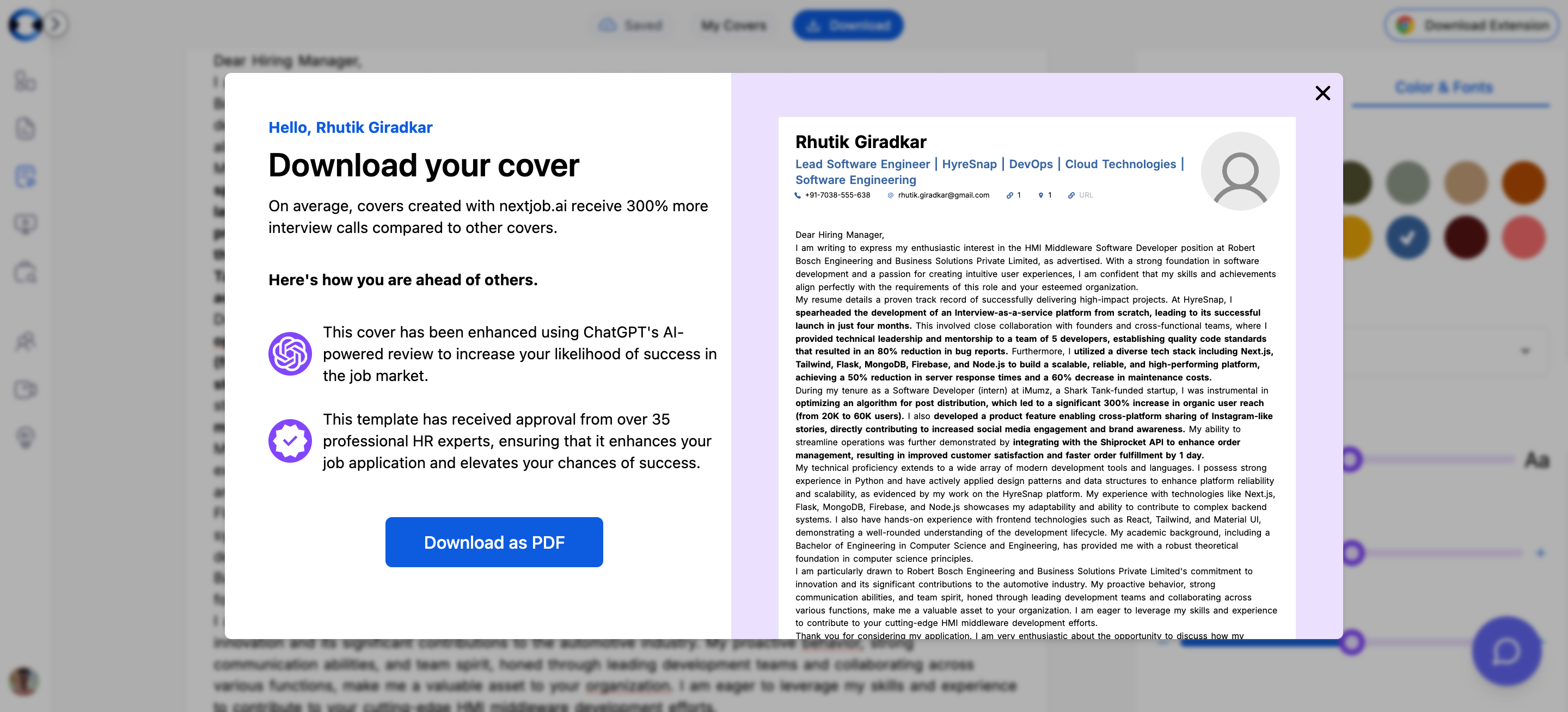
Open the download modal
Click Download from the dashboard card menu or the editor toolbar. The download modal opens with a scaled preview of your cover letter.
2
Review the preview
The modal shows your cover letter at 60% scale so you can verify the layout, content, and styling before exporting.
3
Download the PDF
Click the “Download as PDF” button. The PDF is generated and downloaded to your computer immediately.
{cover letter title}.pdf — for example, if your cover letter is titled “Senior PM - Google”, the file will be Senior PM - Google.pdf.