

Overview
When you click “New Cover Letter” on the dashboard, three things happen: a new cover letter is created, the editor opens, and the generation modal appears. The modal walks you through a two-step flow to generate your cover letter with AI.Step 1: Optional Sections
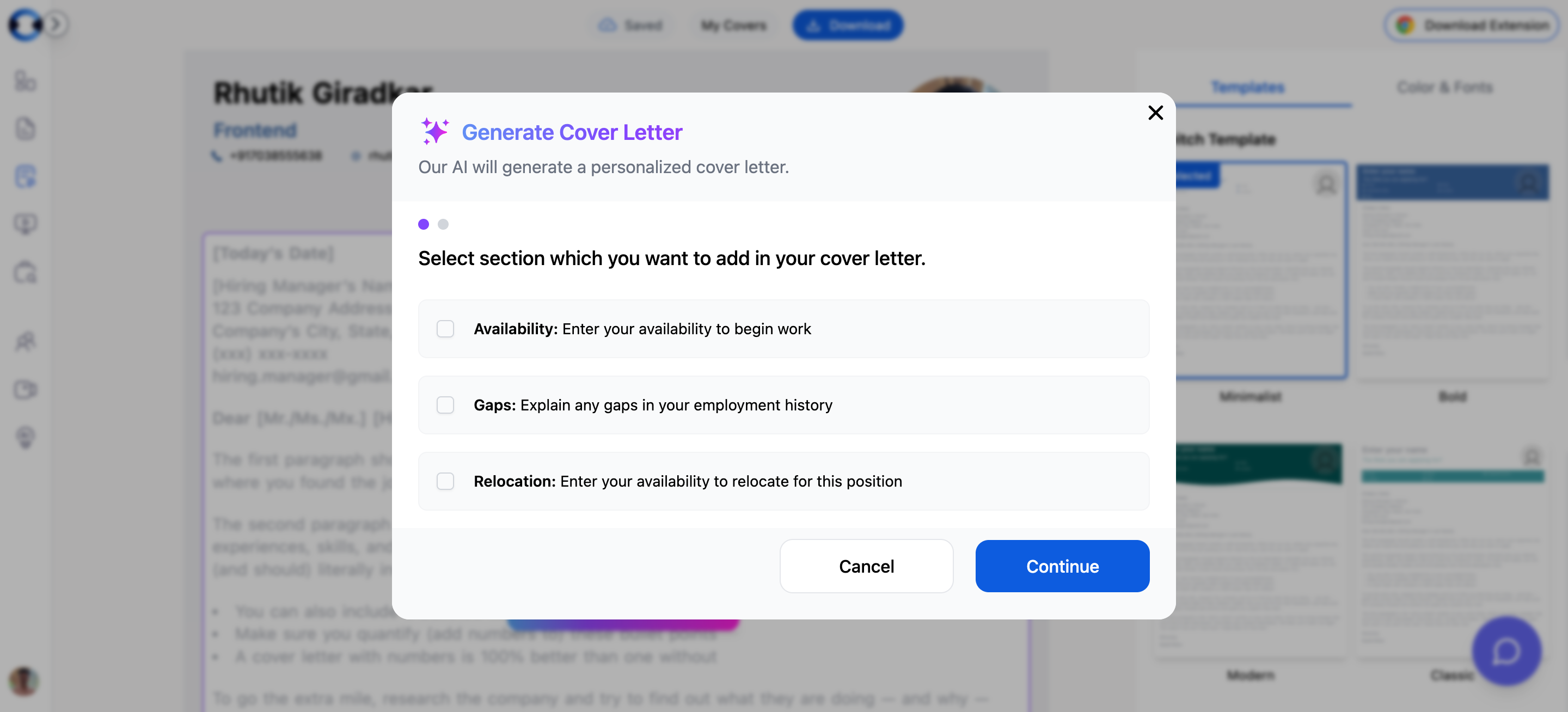
Employment Gap reasons available in the dropdown:
- Impact By Pandemic
- Job Searching
- Travel
- Family/Personal Medical Issue
- Education
- Relocation
- Taking Care of Children
- Sabbatical
Step 2: Select a Job
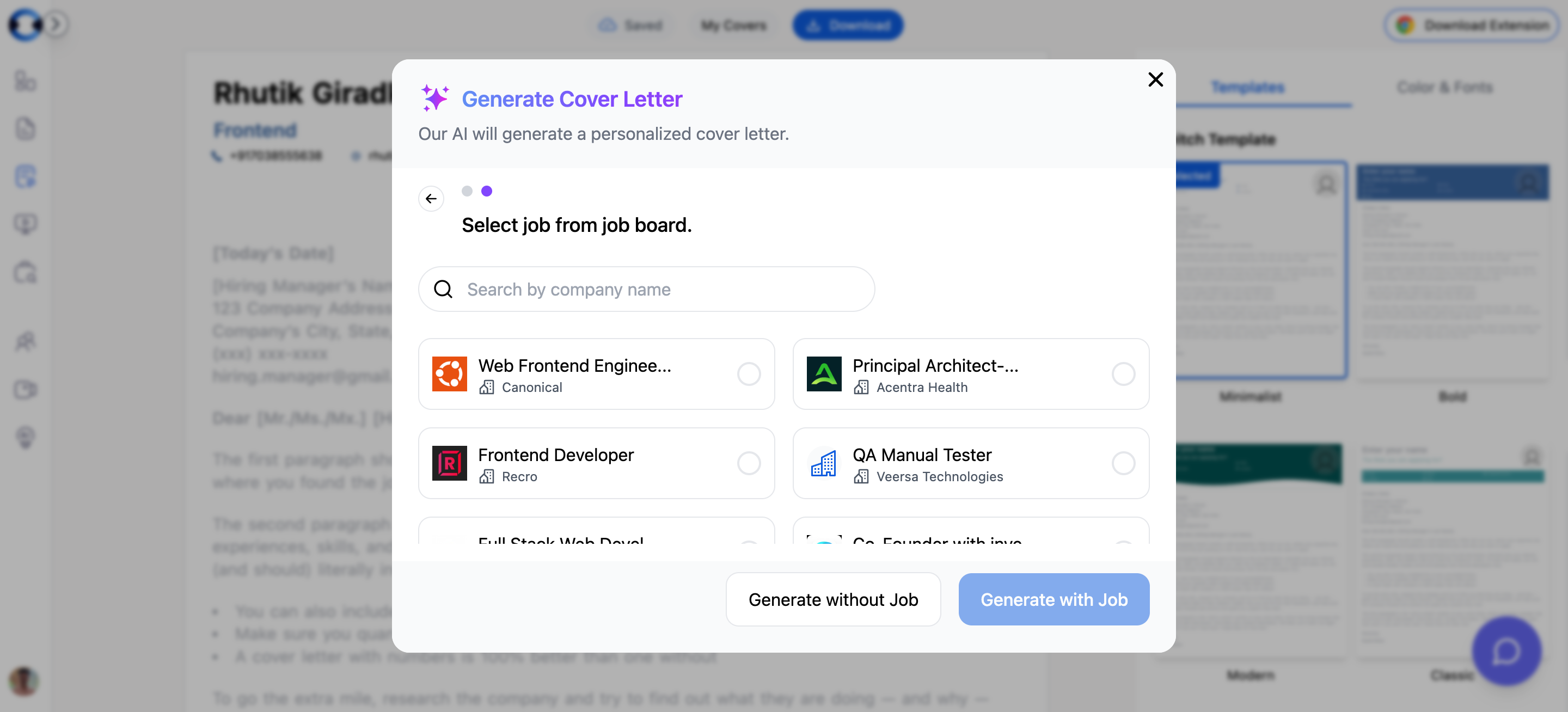
- Generate with Job — Select a job card and click generate. The AI analyzes the job description along with your resume to produce a targeted cover letter that addresses the specific requirements of the role.
- Generate without Job — Skip this step to create a general-purpose cover letter. Useful when you want a base template that you will customize manually later.
Your Primary Resume Is Used Automatically
The Cover Letter Builder automatically uses your primary resume from the Resume Builder during generation. There is no manual resume selection step — whichever resume you have marked as primary is the one the AI reads to extract your experience, skills, and contact information.What Happens During Generation
After you complete the steps and click generate, the backend:- Reads your primary resume content (experience, skills, contact details)
- Analyzes the job description (if you selected a job)
- Incorporates any optional sections you enabled (availability, gaps, relocation)
- Generates a complete cover letter body tailored to the role
After Generation
The generated cover letter includes:- A header pre-filled with your contact information from your primary resume
- A body with AI-written content that references the job description and your experience
- Default styling (Minimalist template, blue color scheme, Inter font)