

What Are Job Recommendations?
The Recommendations page surfaces job listings that match your professional niche — your target industry, role category, and preferred job titles. Instead of searching across dozens of job boards manually, the recommendation engine aggregates and filters listings so you see only what is relevant. Each recommendation card shows the job title, company, location, posting date, and source portal. From any card, you can save the job to your pipeline, view the full description, or take AI-powered actions through Ask Nova.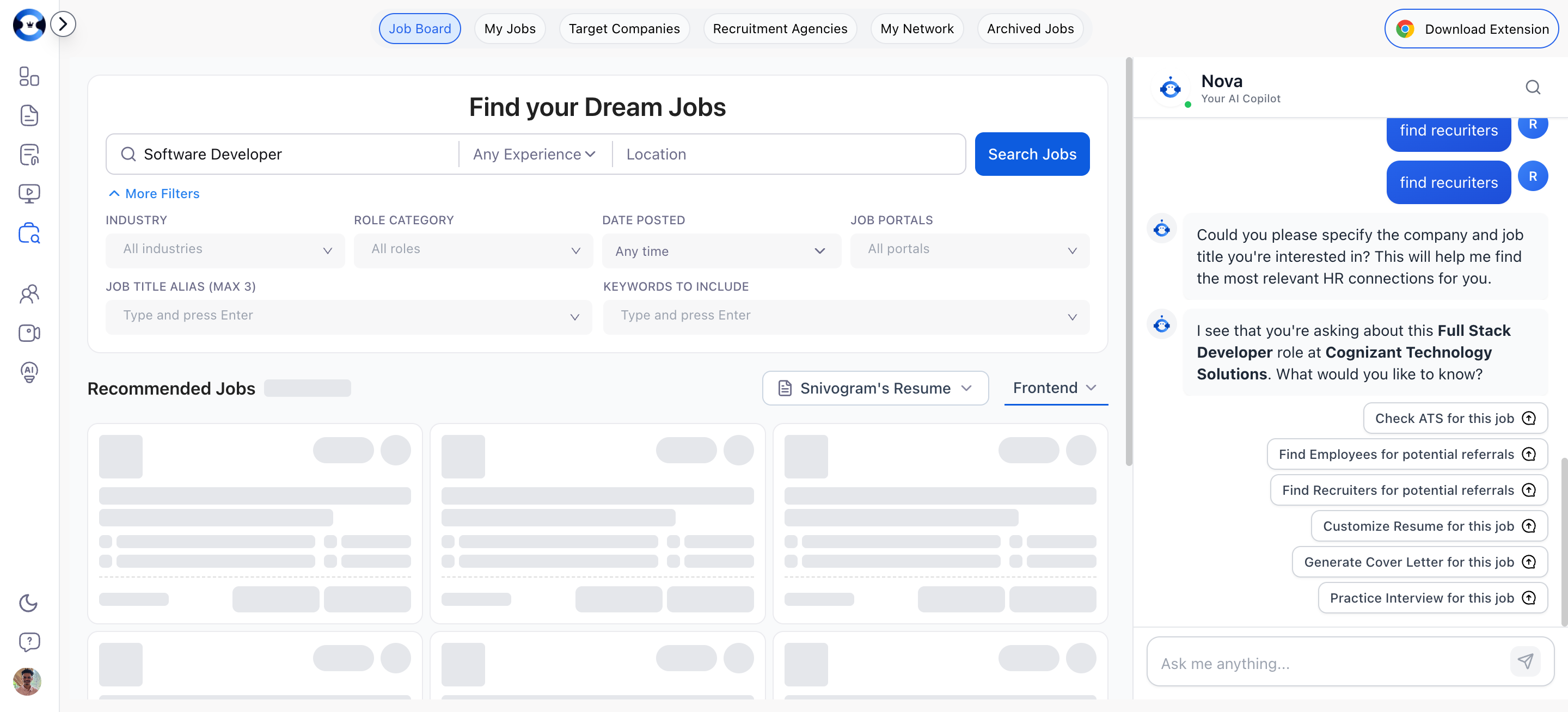
Customizing Recommendations with Filters
Filters sit at the top of the Recommendations page and let you narrow results to exactly what you are looking for.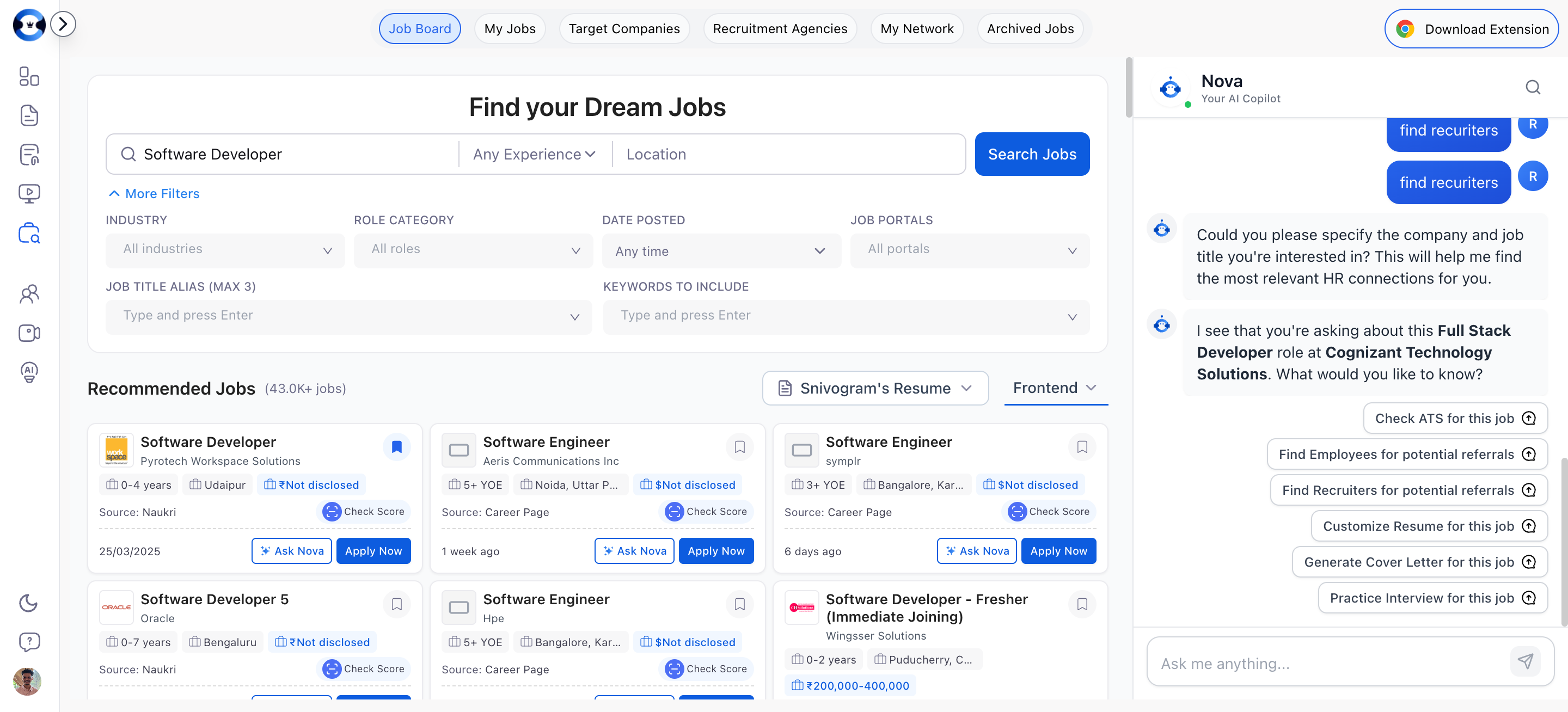
How to Apply Filters
1
Open the filter panel
Click the filter controls at the top of the Recommendations page to expand the filter options.
2
Select your criteria
Choose values for any combination of filters — Job Title, Experience, Industry, Role Category, Location, Date Posted, and Job Portals. You do not need to fill every filter — use only what is relevant.
3
Apply filters
The recommendations list updates to show only jobs matching your selected criteria.
4
Clear filters
Remove individual filter values or clear all filters to return to the full recommendation set.
Tips for Better Recommendations
- Add multiple Job Title Aliases to catch variations. A “Senior Engineering Manager” role might also be listed as “Engineering Lead” or “Head of Engineering.”
- Use Keywords to Include for must-have technologies or methodologies (e.g., “Kubernetes,” “Series B,” “remote”).
- If recommendations feel too broad, narrow the Industry and Role Category first, then fine-tune with keywords.
Switching Between Niches
If you have set up multiple job search niches (for example, targeting both “Engineering Management” and “Product Management” roles), you can switch between them using the niche selector dropdown.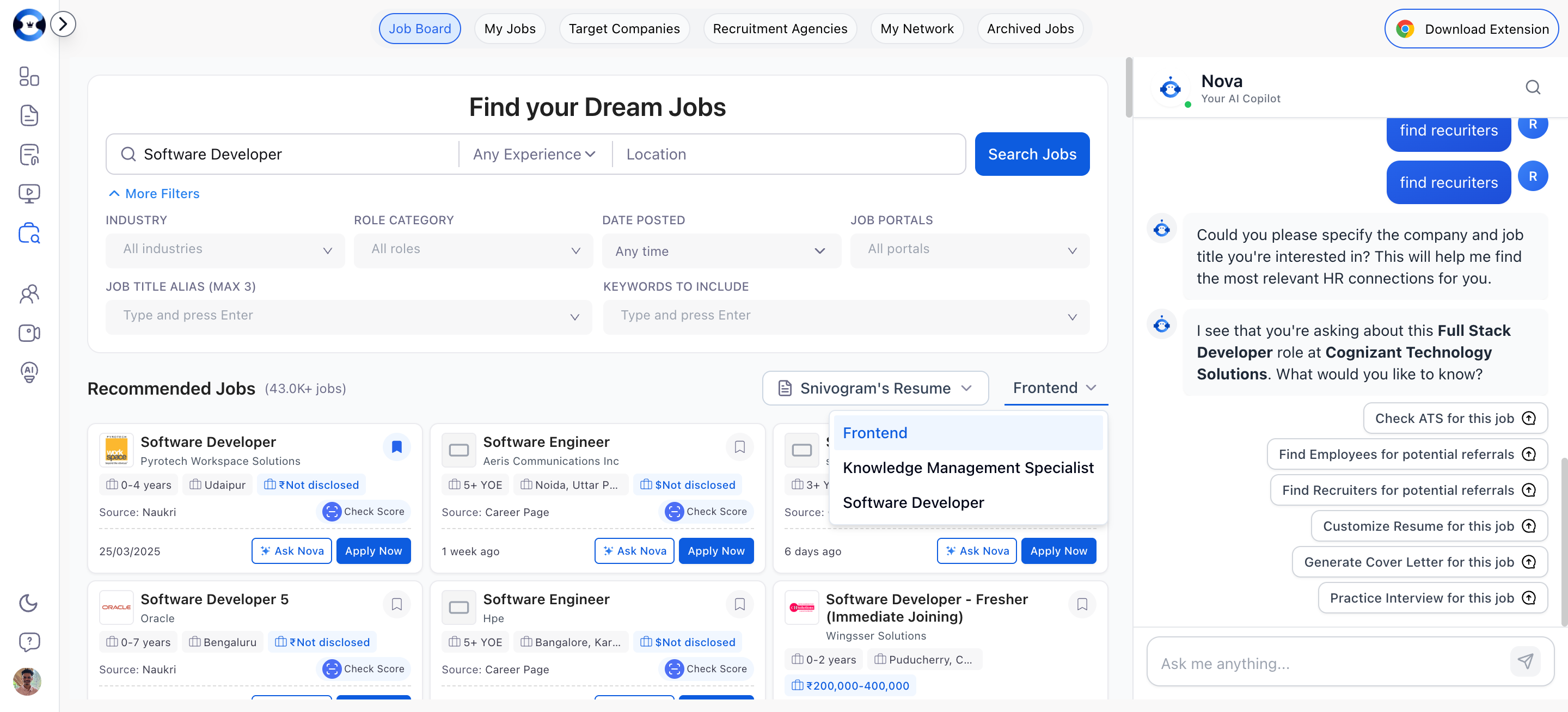
Saving Jobs from Recommendations
When you find a job that interests you:- Click on the job card to view the full description.
- Click Save to add it to your My Jobs pipeline. The job is placed in the Saved column.
- From there, you can move it through your pipeline stages as you apply, interview, and progress.
Ask Nova — AI-Powered Job Actions
Ask Nova is an AI assistant that can perform several actions on any recommended job. When you open a job listing, you can ask Nova to: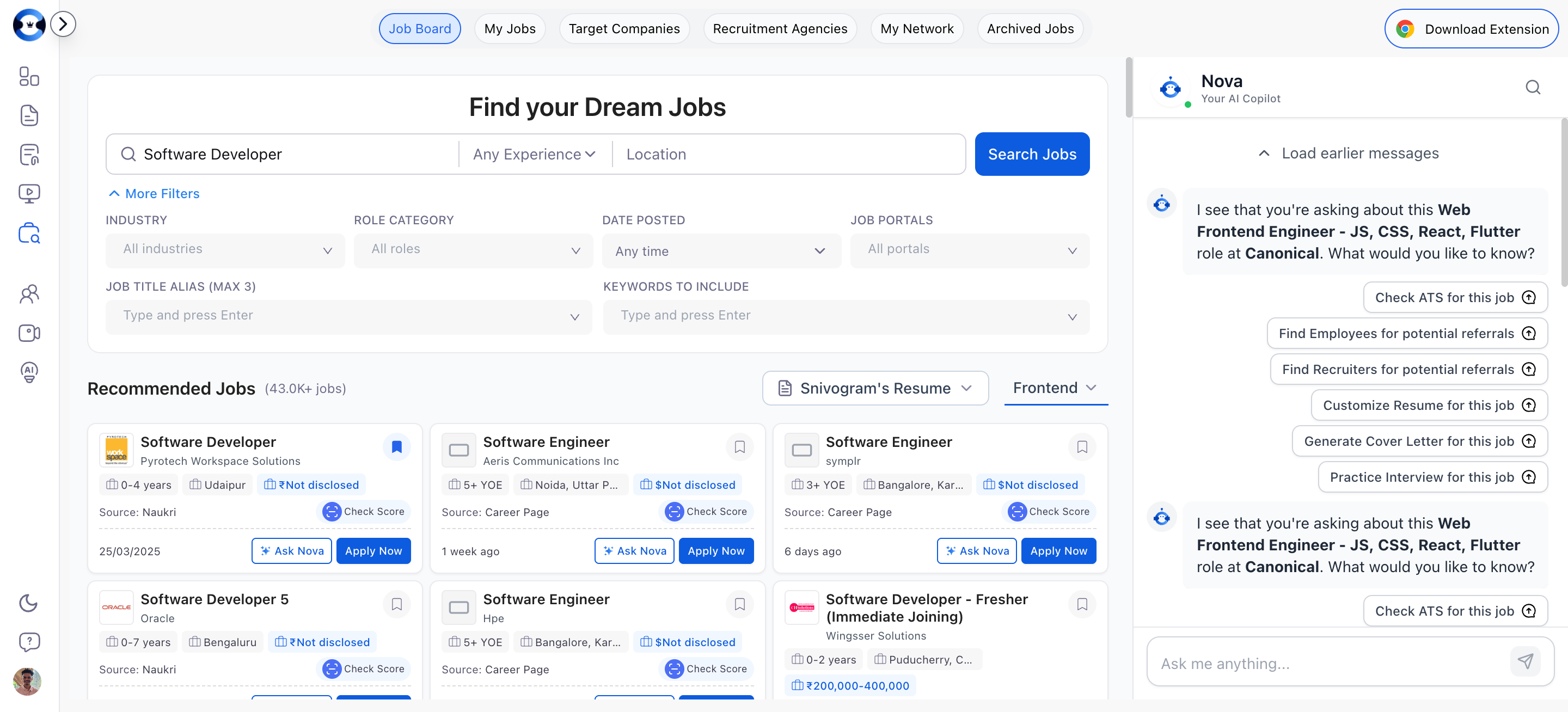
Viewing Job Descriptions
Click on any job card to expand the full job description. The description view shows:- Full job posting text
- Company information
- Location and work arrangement (remote, hybrid, onsite)
- Posting date and source portal
- Direct link to the original posting
When Recommendations Are Not Relevant
If you are not getting relevant job recommendations:- Review your niche setup — Make sure your Industry, Role Category, and Job Title Aliases accurately reflect what you are looking for.
- Add more Job Title Aliases — Different companies use different titles for the same role.
- Broaden your Keywords — Overly specific keyword filters can exclude valid matches.
- Check your Job Portals — Ensure you have selected portals that are active in your geography and industry.
- Update your niche — If you have pivoted your job search direction, update your niche settings to match.