

What Is the Recruitment Agencies Tab?
Recruitment Agencies is a board for tracking staffing firms, headhunters, and recruiting agencies that may have relevant opportunities. Many senior-level roles are filled through agency channels rather than public job boards, making this an important part of a comprehensive job search. Each agency is displayed as a card with actions for networking, job exploration, and AI-powered research.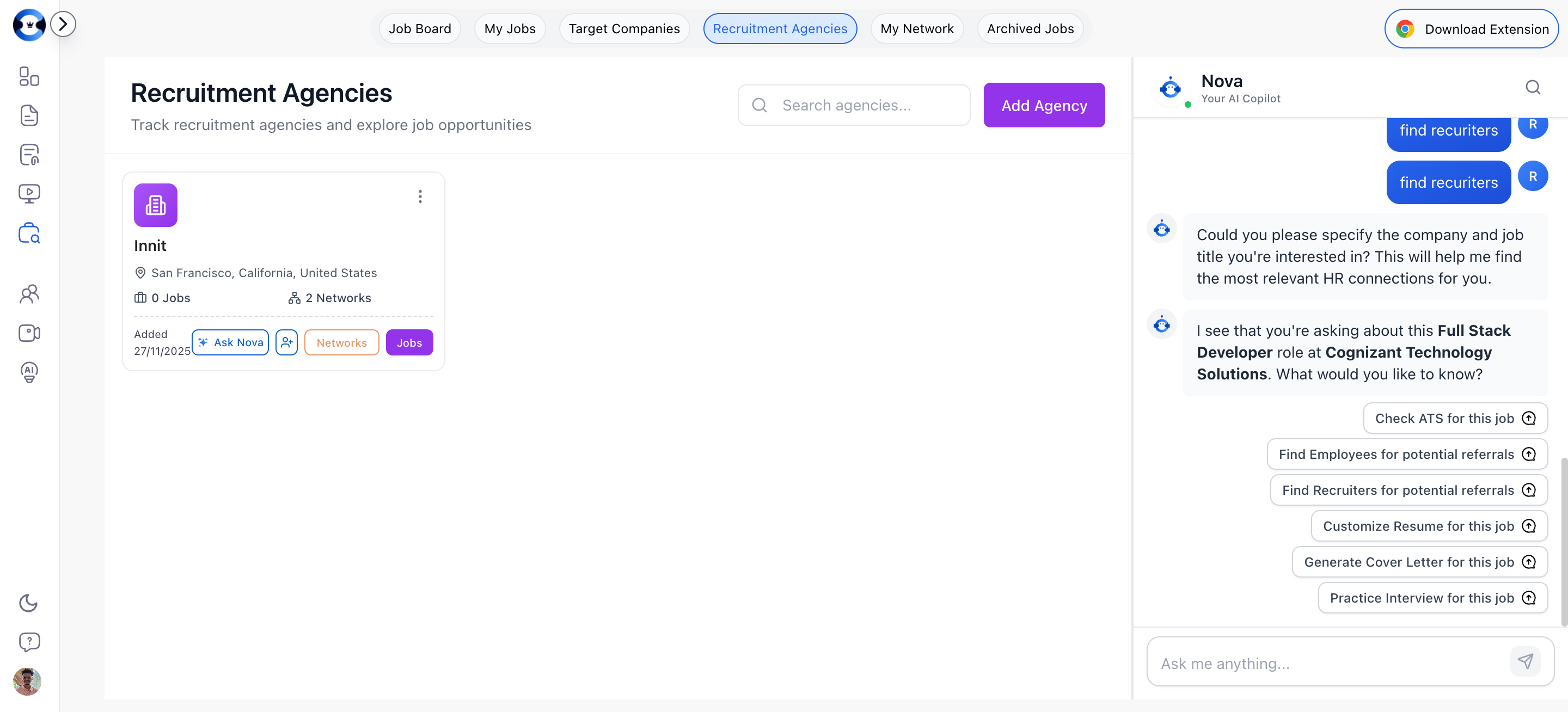
Adding a Recruitment Agency
Adding Manually
1
Click Add Agency
Click the “Add Agency” button at the top of the Recruitment Agencies page. A dialog opens with a form.
2
Fill in agency details
Complete the form:
- Agency Name (required) — The agency’s official name
- Location (optional) — Where the agency is based
- Company Website (optional) — The agency’s website URL
- Industry (optional) — Industries the agency specializes in
- Employee Count (optional) — Size of the agency
- Company Description (optional) — Notes about the agency or your relationship with them
3
Save
Click Add Agency to create the card.